Free WBS Template: Work Breakdown Structure Word Download
Before you can schedule, budget or assign work, you need to know exactly what the work is. A WBS decomposes the project into every piece of work required: structured hierarchically, numbered with WBS codes, and detailed enough that each work package can be assigned, estimated and tracked. This Word template gives you the structure; your scope fills in the content.
No email required. Instant Word download.
Quick answer
A work breakdown structure (WBS) is a hierarchical breakdown of all the work needed to deliver a project, with each item given a WBS code. This free Word template uses a four-level hierarchy and includes a WBS dictionary, aligned with PMBOK.
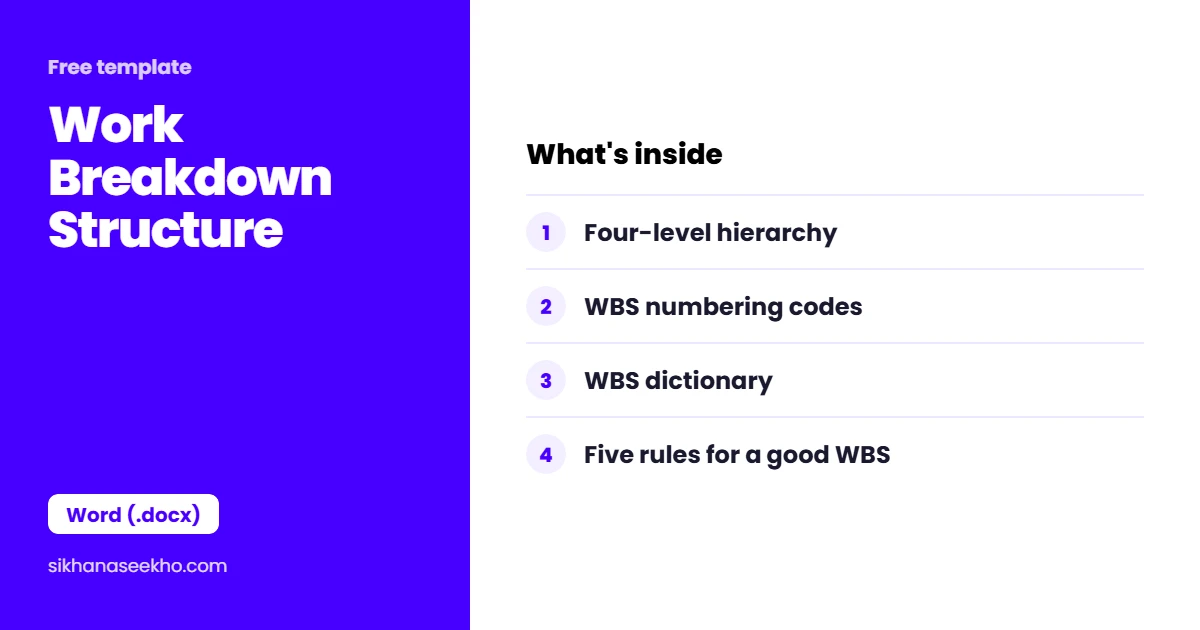
What's in the WBS template?
The template uses a four-level hierarchical outline structure with pre-formatted WBS codes. Level 1 is the project itself. Levels 2–4 decompose the scope progressively until each element is a work package: something assignable, estimable and trackable.
| Level | Name | Content | Example |
|---|---|---|---|
| 1 | Project | The entire project: all scope in one node. WBS code: 0 | "CRM Implementation Project" |
| 2 | Phase / Major Deliverable | Major phases or deliverable groups. WBS codes: 1.0, 2.0, 3.0… | "1.0 Initiation", "2.0 Planning", "3.0 Development" |
| 3 | Deliverable | Specific deliverables within each phase. WBS codes: 1.1, 1.2, 2.1… | "2.1 Project Charter", "3.1 Database Design" |
| 4 | Work Package | The lowest level: assignable, estimable, trackable. WBS codes: 1.1.1, 1.1.2… | "1.1.1 Draft charter", "1.1.2 Stakeholder review" |
What makes a good WBS?
A WBS that violates these rules creates downstream problems in scheduling, estimating and scope control. These five rules are the quality test for any WBS before it is baselined.
What is a WBS dictionary?
The WBS outline tells you what the work packages are. The WBS dictionary tells you what each one means: precisely enough that two different team members reading it would do the same work. The template includes a companion dictionary table for the first 10 work packages, which you can extend as needed.
| WBS Code | Work Package Name | Includes | Excludes | Acceptance Criteria | Owner |
|---|---|---|---|---|---|
| 1.1.1 | Draft Charter | First draft of project charter incorporating scope, objectives, PM authority and initial stakeholder list | Stakeholder sign-off (1.1.3), budget approval | Draft reviewed by sponsor and two business owners before advancing | PM |
| 1.1.2 | Stakeholder Review | Circulation of draft charter to all Level 2 stakeholders, collation of feedback, incorporation of changes | Final sign-off: that is 1.1.3 | Feedback received from all named reviewers; all material comments resolved or deferred with documented rationale | PM |
| 1.1.3 | Sponsor Sign-Off | Formal signature of final project charter by project sponsor | Distribution to full stakeholder list (separate comms activity) | Signed charter on file; version 1.0 baselined in document management system | Sponsor |
The Includes and Excludes columns are the most valuable. They prevent the most common WBS dispute: "I thought that was part of work package X" from someone who interpreted the label differently. Being explicit about what is excluded is as important as defining what is included: exclusions are what make scope boundaries defensible.
WBS: 4 Common Questions
Keep learning
- Free Gantt Chart Template: Excel Download
- Free Project Budget Template: Excel Download
- Free Communication Plan Template: Excel Download
- Free Change Management Plan Template: Word Download
- Free Procurement Plan Template: Word Download
- Free Quality Management Plan Template: Word Download