Free Project Status Report Template
Excel Download
A status report written well means your sponsor walks into the governance meeting informed, focused and prepared to help. Written poorly, it means 20 minutes of re-reading to find the actual problem. This structured template covers every section a monthly sponsor report needs: in a format that takes 20 minutes to complete and two minutes to read.
No email required. Instant Excel download.
Quick answer
A project status report is a regular update that tells the sponsor where a project stands on schedule, budget, risks and issues, and what help is needed. This free eight-section Excel template keeps each report short and structured, so the real problem is easy to find.
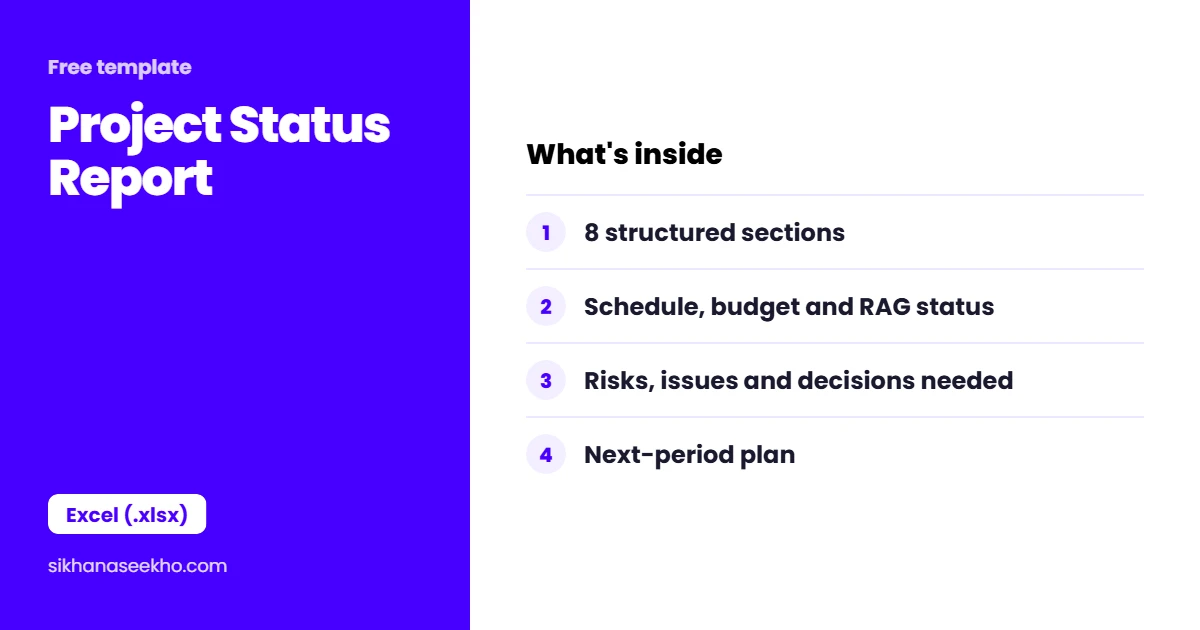
Project Status Report template at a glance
| Format | Excel (.xlsx) |
|---|---|
| Sections | 8 |
| Lifecycle phase | Executing and monitoring, weekly or monthly |
| Owned by | Project manager; read by the sponsor |
| Best for | Regular, decision-focused updates to governance |
What's in the status report template?
The status report is structured to answer the questions sponsors ask in a predictable sequence: Where are we? What happened? What's next? What are the problems? What do you need from me? The template follows that logic, the most urgent information first, the detail later.
How do you write a status report sponsors read?
Status reports fail for two reasons: they are too long, or they bury the important information in dense narrative. The solution is not shorter reports. It is more structured ones. Every section should answer one question, answer it directly and stop.
The Executive Summary: Three Sentences, One Rule
The executive summary should never exceed three sentences. One for current status ("The project is on track for the 28 March go-live date: SPI 1.02, CPI 0.98"). One for the key development this period ("Integration testing completed with 94% pass rate: on plan"). One for the most significant concern ("Integration with the legacy billing system is amber: vendor documentation gap is being resolved but creates a 3-day risk to the UAT start date").
The Budget Section: Four Numbers, One Sentence
The budget summary needs exactly four numbers: planned spend to date, actual spend to date, variance in currency and variance as a percentage. Then one sentence explaining the variance if it is more than ±5%. Anything more than that belongs in the EVM tracker or budget variance report, not the status report.
Issues and Risks: Top 3 Only
The status report should surface the top 3 issues and top 3 risks, not the entire issue log and risk register. The selection criterion: which items would the sponsor most need to know about to have an informed discussion in the governance meeting? Everything else stays in the detailed registers. Listing 12 risks in a status report signals poor prioritisation, not thoroughness.
What is the difference between a status report, a dashboard and a KPI tracker?
Three reporting documents serve different needs in the monthly reporting cycle. They are not duplicates. Each answers a different question for a different audience.
The monthly reporting pack sequence: dashboard (cover, 30-second scan) ? status report (body, 3-minute read) ? KPI tracker (appendix, available if the sponsor wants to dig into numbers). The entire pack should be readable in 5 minutes: anything longer will not be read in full.
Status Report: 4 Common Questions
Keep learning
- Free Project Dashboard Template: Excel Download
- Free EVM Tracker Template: Excel Download
- Free Lessons Learned Register Template: Excel Download
- Free KPI Tracker Template: Excel Download
- Free Budget Variance Report Template: Excel Download
- Free Project Closure Report Template: Word Download