Free Action Item Tracker Template
Excel Download
Track every task that comes out of your meetings. One spreadsheet for action descriptions, owners, due dates, priority and status, so nothing slips between meetings and everyone knows what they committed to.
No email required. Instant Excel download.
Quick answer
An action item tracker is a list of tasks that come out of meetings, each with an owner, due date, priority and status. This free Excel template keeps every action in one place, so nothing slips between meetings and everyone can see what they committed to.
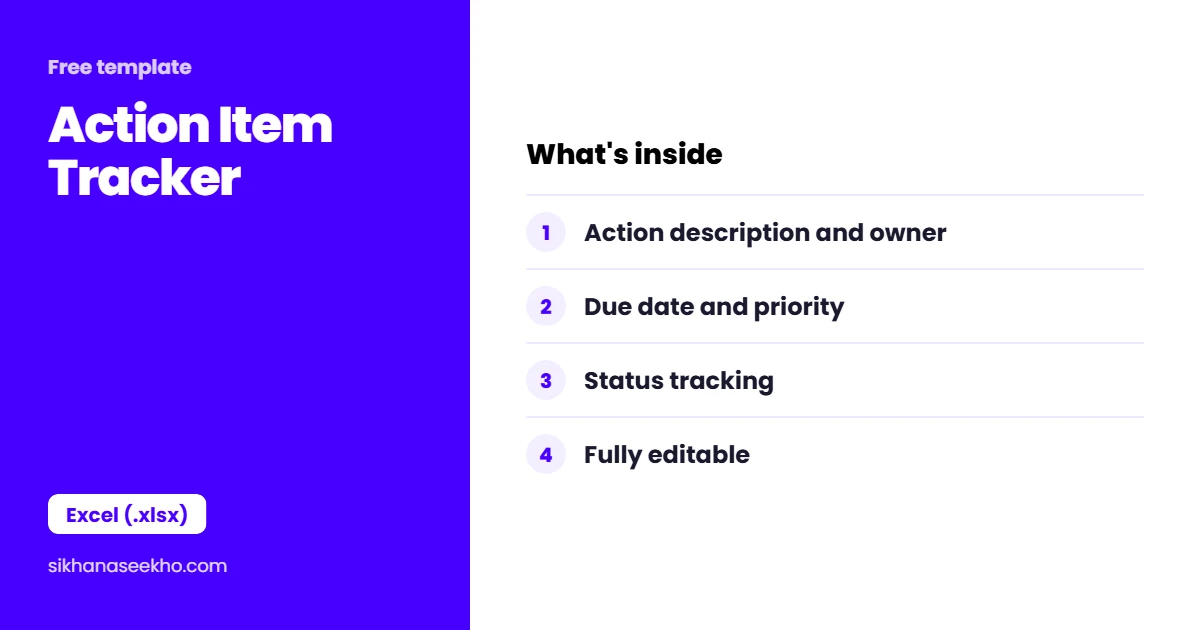
What's in the action item tracker template?
The Action Item Tracker is a single-sheet Excel file with a branded violet header, project metadata block and 50 pre-formatted action item rows. Every column you need is already set up: nothing to configure before you start using it.
| Column | Field | What to Enter |
|---|---|---|
| # | Action Number | Auto-numbered 1–50. Extend by copying the last row. |
| Action Item | Description | The specific task, use an action verb. "Submit revised budget to PM" not "Budget". |
| Priority | Drop-down | High / Medium / Low: validated drop-down, no free text. |
| Owner | Name | The single person responsible. One name only: not a team. |
| Due Date | Date | Format as DD/MM/YYYY or MM/DD/YYYY: consistent with your locale. |
| Status | Drop-down | Not Started / In Progress / Blocked / Complete / Cancelled. |
| % Done | Number | 0–100. Optional: useful for multi-day actions tracked across meetings. |
| Source Meeting | Text | Which meeting raised this action: e.g. "Sprint Review 14 March". |
| Date Closed | Date | Enter when the action is confirmed complete and verified. |
How do you use the action item tracker?
What does a good action item look like?
The Single-Owner Rule
Every action item must have exactly one owner, the person accountable for making sure it gets done. Actions owned by "the team", "Finance" or "both Sarah and Ahmed" almost always fall through the cracks. When there are multiple people involved, one person is accountable for coordinating the others and reporting completion back to the PM.
Writing Actions That Get Done
The wording of an action item determines whether it gets done. Compare these two versions of the same task:
✗ Poor: "Budget, James, ASAP"
Unclear what needs to happen, who exactly and when.
✓ Good: "James to submit revised Q3 budget estimate to PM by 28 March: must include contingency breakdown"
Specific action, single owner, hard deadline, clear deliverable.
Escalating Blocked Actions
When an action is blocked, the owner cannot complete it without something outside their control, change the status to Blocked and add a note explaining what is blocking it. This signals to the PM that escalation or intervention is needed. Do not leave a blocked action as In Progress: that masks the real situation.
Action Item Tracker: 4 Common Questions
Keep learning
- Free Issue Log Template: Excel Download
- Free Decision Log Template: Excel Download
- Free Change Request Form Template: Word Download
- Free Project Status Report Template: Excel Download
- Free Project Dashboard Template: Excel Download
- Free EVM Tracker Template: Excel Download