Free Lessons Learned Register Template
Excel Download
Most teams repeat the same mistakes on the next project. They write lessons down, but nobody can find them or act on them later. This template fixes that. For each lesson you record what happened, why it happened, the impact and, most important, what the next team should do differently. It follows the same structure I teach in my PMP training.
No email required. Instant Excel download.
Quick answer
A lessons learned register records what happened on a project, why it happened and what future teams should do differently. This free Excel template uses 9 columns with category and impact drop-downs, so lessons are structured, searchable and easy for the next project team to act on.
This page is for recording lessons during your project, so the next team does not repeat your mistakes. If you want to check, after go-live, whether the project delivered its benefits, use my post-implementation review template instead.
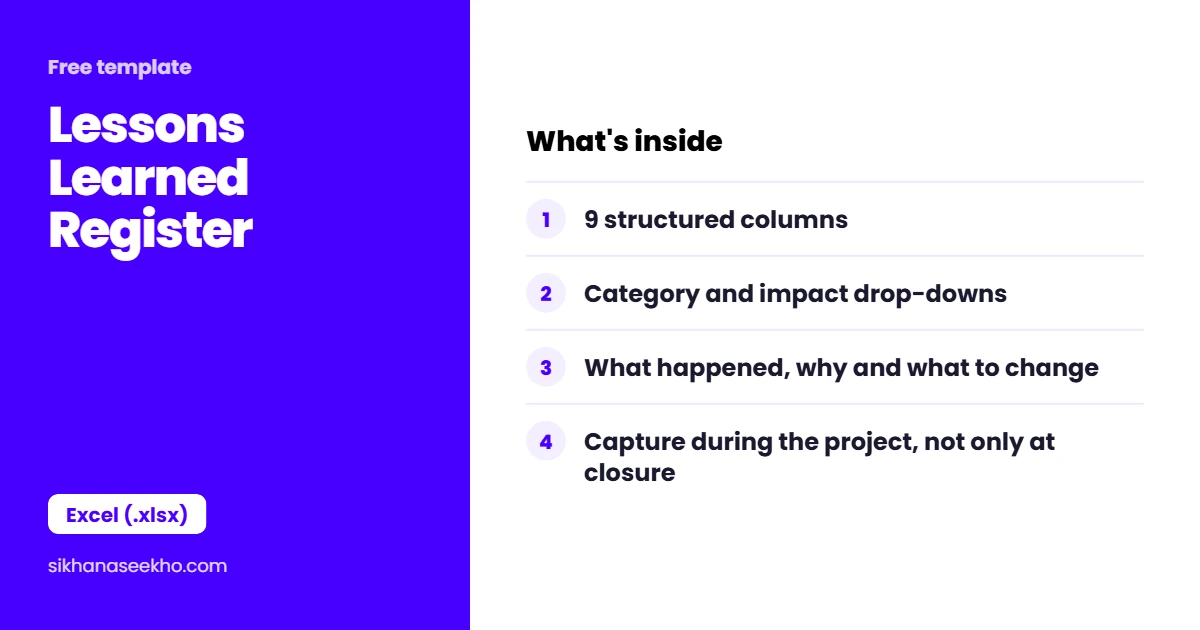
What's in the lessons learned template?
The register is a single Excel sheet with a project details row and 35 numbered lesson rows. Two columns, Category and Impact, use drop-downs. This keeps every entry consistent, so you can filter lessons across many projects later.
| Column | Field | Notes |
|---|---|---|
| ID | Lesson Number | Pre-filled LL-001 to LL-035. The ID lets you reference specific lessons in the closure report, PIR or future project plans without repeating the full text. |
| Date | Date Captured | When the lesson was captured, not when it occurred. Lessons captured close to the event are more accurate than those recorded retrospectively at project closure. |
| Phase | Project Phase | Initiation, Planning, Execution, Monitoring, Closure. Grouping by phase helps future PMs identify where similar projects typically struggle. |
| Category | Drop-down | Planning / Execution / Monitoring / Risk / Communication / Technical / Procurement / Other. Validated drop-down that enables cross-project filtering by lesson type. |
| Lesson Description | What happened | A specific, factual description of the situation. Not "communication was poor" but "the integration team was not included in the scope review meeting in Week 3, resulting in a missed dependency that was discovered in testing." |
| Impact | Drop-down | Positive / Negative / Neutral. Positive lessons are as important as negative ones. What went well should be repeated, not just assumed. Validated drop-down. |
| Root Cause | Why it happened | The underlying reason, not the symptom. Asking "why" once is rarely enough. Use the 5 Whys to get past surface explanations. The root cause is what the recommendation must address. |
| Recommendation | What to do differently | A specific, actionable instruction for future project teams. Not "improve communication" but "include the integration lead in all scope review meetings from Week 1." Must be actionable by someone who was not on this project. |
| Owner | Name | Who captured this lesson and can be consulted for more context. Also the person responsible for ensuring the recommendation is communicated to the PMO or next project team. |
What does a good lesson entry look like?
A good entry depends on two things: a specific description and a recommendation someone can act on. Compare these two entries for the same event:
How to fill it in: a worked example
Here are three filled rows so you can see the level of detail I expect. This is an example only, based on a typical mid-rise building project in the UAE. Copy the style, not the content.
| ID / Phase / Impact | What happened and why | Recommendation for the next team |
|---|---|---|
| LL-001 / Execution / Negative | Facade glazing arrived late because shop drawings were approved by the consultant much later than planned. Root cause: shop drawing submission and consultant review time were not in the baseline schedule. | Add submission, consultant review and resubmission for every long-lead item as separate activities in the baseline. Review them in the weekly progress meeting. |
| LL-002 / Execution / Negative | The first authority drainage inspection failed because test records were missing. Root cause: no internal check before booking the inspection. | Two days before every authority inspection, walk the area with the MEP subcontractor using the authority's own checklist. Book only when every item is ready. |
| LL-003 / Planning / Positive | No productivity was lost in summer because concrete pours were planned for early morning around the midday work break. Why it worked: the break was built into the plan from day one. | Plan heavy summer work in the early hours in the baseline schedule, not as a fix after the first hot week. |
Mistakes I see when people fill in this register
- Writing every lesson at closure from memory. By then the details are gone and the lessons are vague.
- Blaming a person or company ("the subcontractor was slow") instead of finding the cause in your own process.
- Recommendations that start with "improve" or "consider". If nobody can act on it tomorrow, rewrite it.
- Only recording what went wrong. The things that worked are the easiest to lose.
- Never opening the register again. Read the lessons from similar projects before you finish your next plan.
When should you capture lessons learned?
From my experience: on my construction projects in the UAE, the best lessons came from short reviews held right after something happened: a failed authority inspection, a late drawing approval, a snag list that grew too long at handover. When we waited until the end, half the team had moved to other sites and we were guessing. So capture lessons while the event is fresh, not only at closure.
How to Make Lessons Learned Actually Useful
Many lessons learned registers are filled in once and never opened again. A lesson stored in a folder nobody can find is not a lesson. To make the register useful, you need to do a few things after you fill it in.
Lessons Learned: 4 Common Questions
Keep learning
- Free KPI Tracker Template: Excel Download
- Free Budget Variance Report Template: Excel Download
- Free Project Closure Report Template: Word Download
- Free Post-Implementation Review Template: Word Download
- Free Project Handover Document Template: Word Download
- Free Project Sign-Off Form Template: Word Download